
Inside Nitro
The details, together.
A clear record of the workday, from the first clock-in to the final report.
01 / Sessions
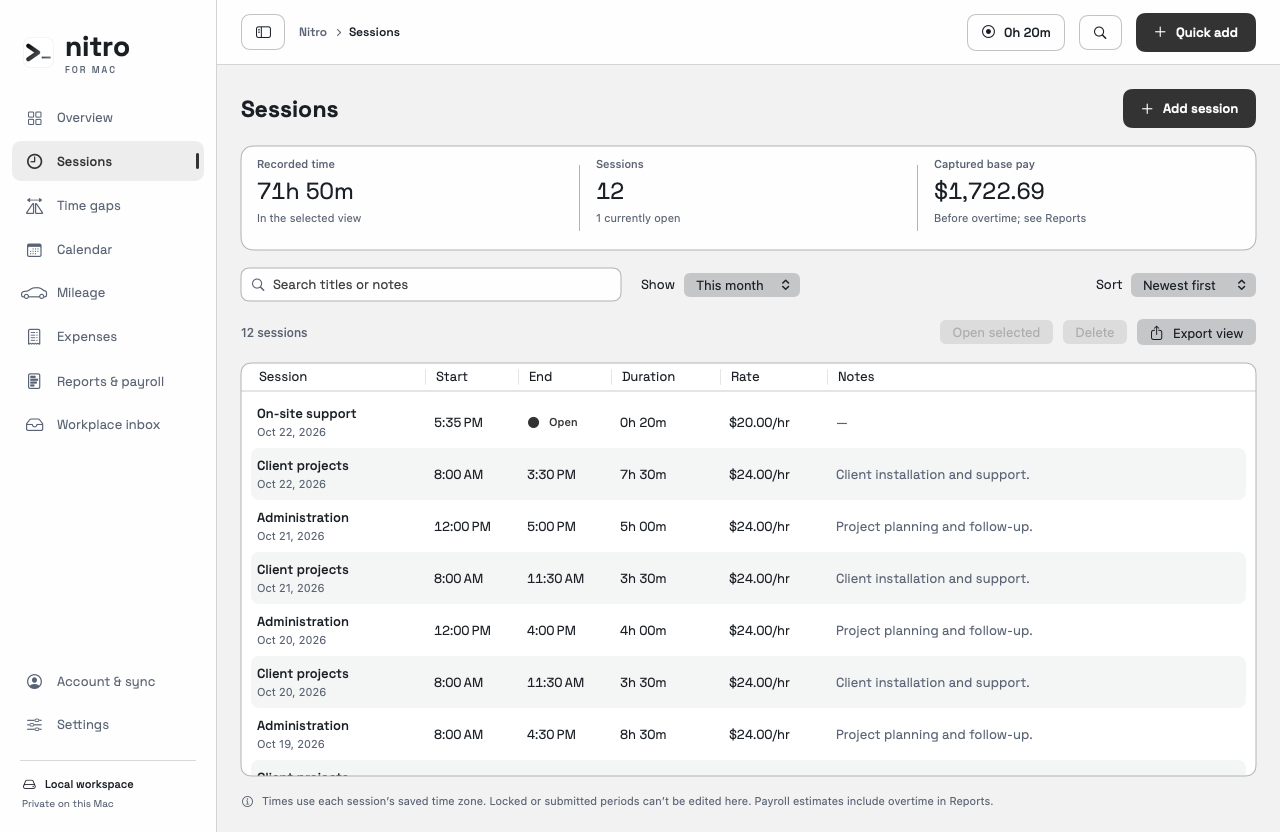
Your time, clearly.
Start a session. Get on with your day. Your hours, daily progress and pay-period totals stay together.
See the start, finish and saved rate behind each session—not just a number on a timesheet.
- Clock in and out, or add a session.
- See pay-period hours and overtime.
- Inspect the dates, duration and captured rate.
02 / Mileage
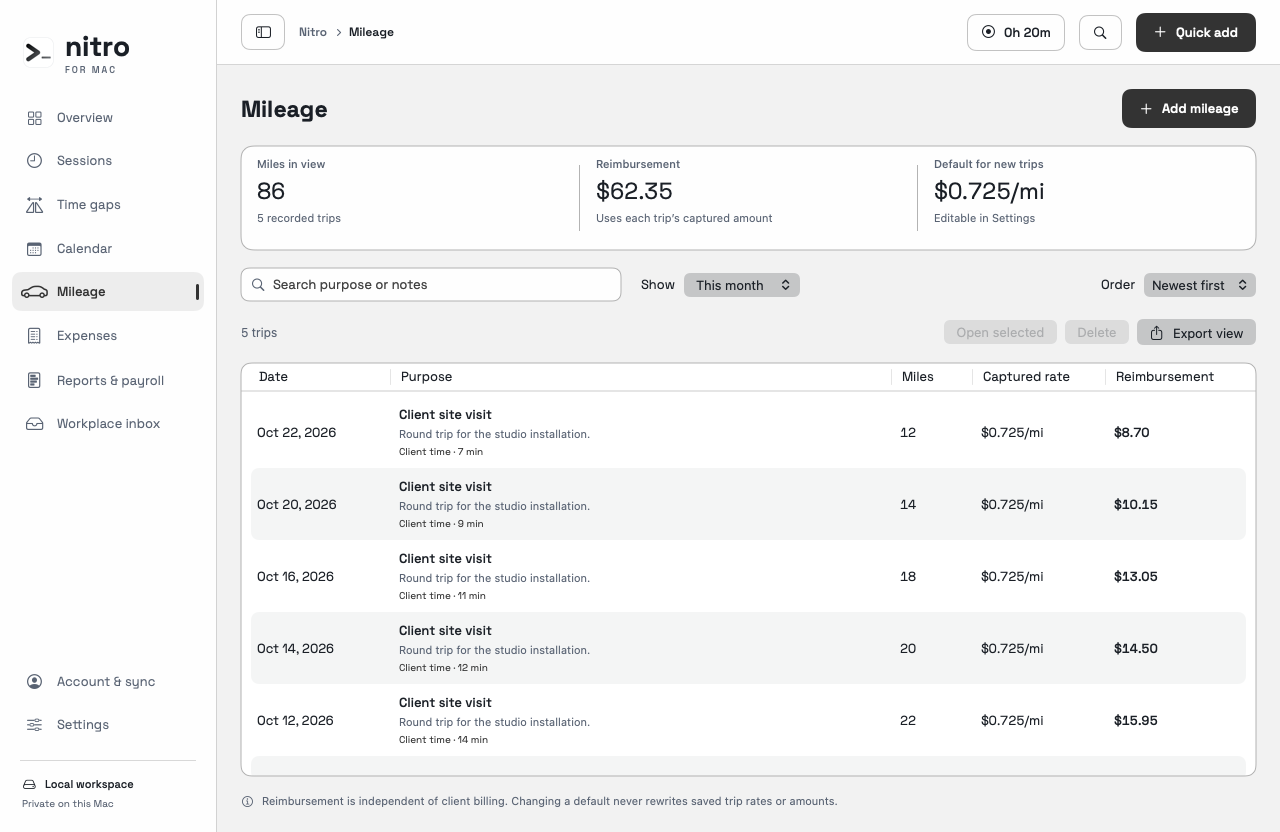
Every trip has a place.
Record the miles, the purpose and the reimbursement. Keep the details with the trip while they’re still fresh.
Client time belongs to mileage. Where your workplace enables it, record that time alongside the trip.
- Keep trip notes and saved rates with each journey.
- See reimbursement estimates without losing the context.
- Client time and charges follow enabled workplace rules.
03 / Expenses
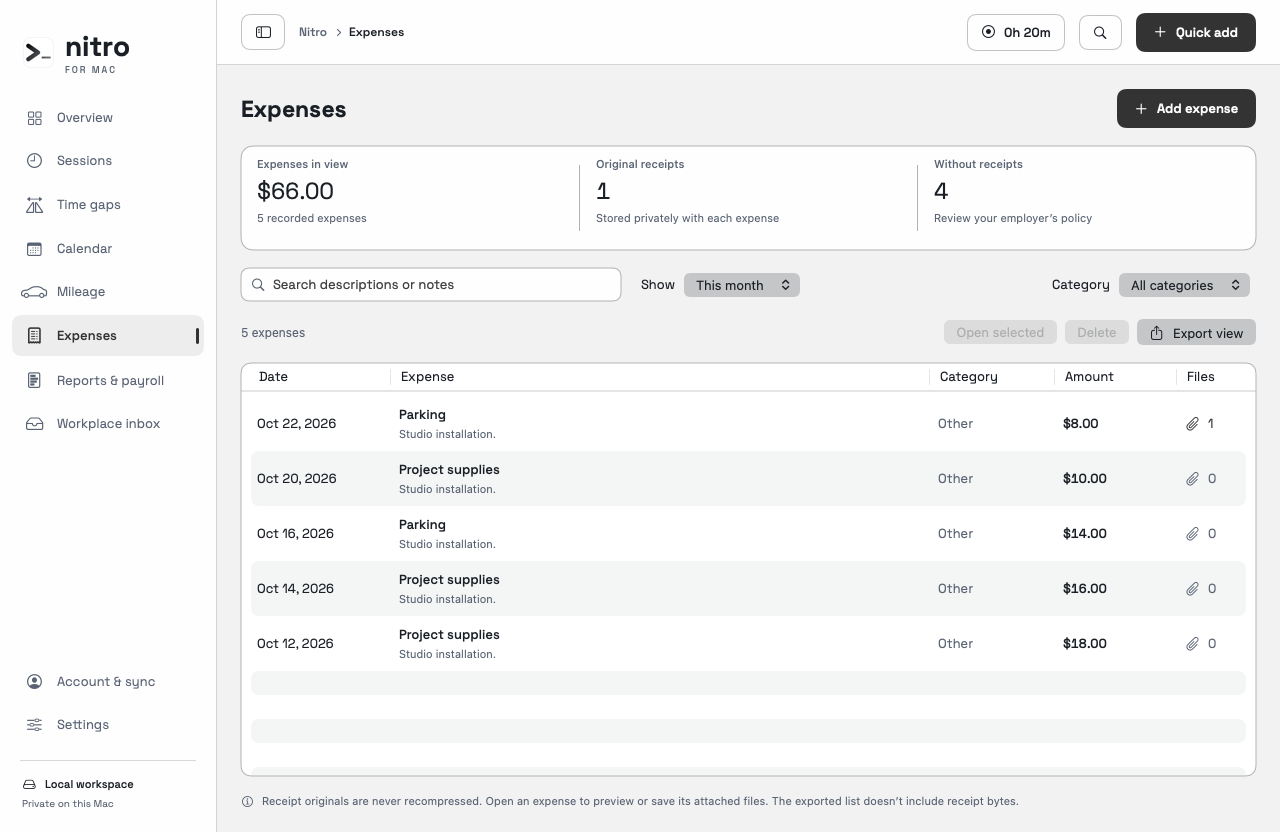
Keep the receipt, too.
An amount means more with a date, a purpose and the receipt that belongs to it.
Save the record once. Review expenses and include them in your report without piecing everything together again.
- Keep the amount, category, date and notes together.
- Attach the receipt that belongs to the expense.
- Follow your workplace’s review and sharing rules.
Ready to hand over
A report. Not a puzzle.
Choose the records and receipt files you need, then prepare a readable report or an organized export.
Personal sharing is yours to control. Managed accounts follow the administrator’s sharing settings. A personal estimate is not an approved employer payroll run.
How exports work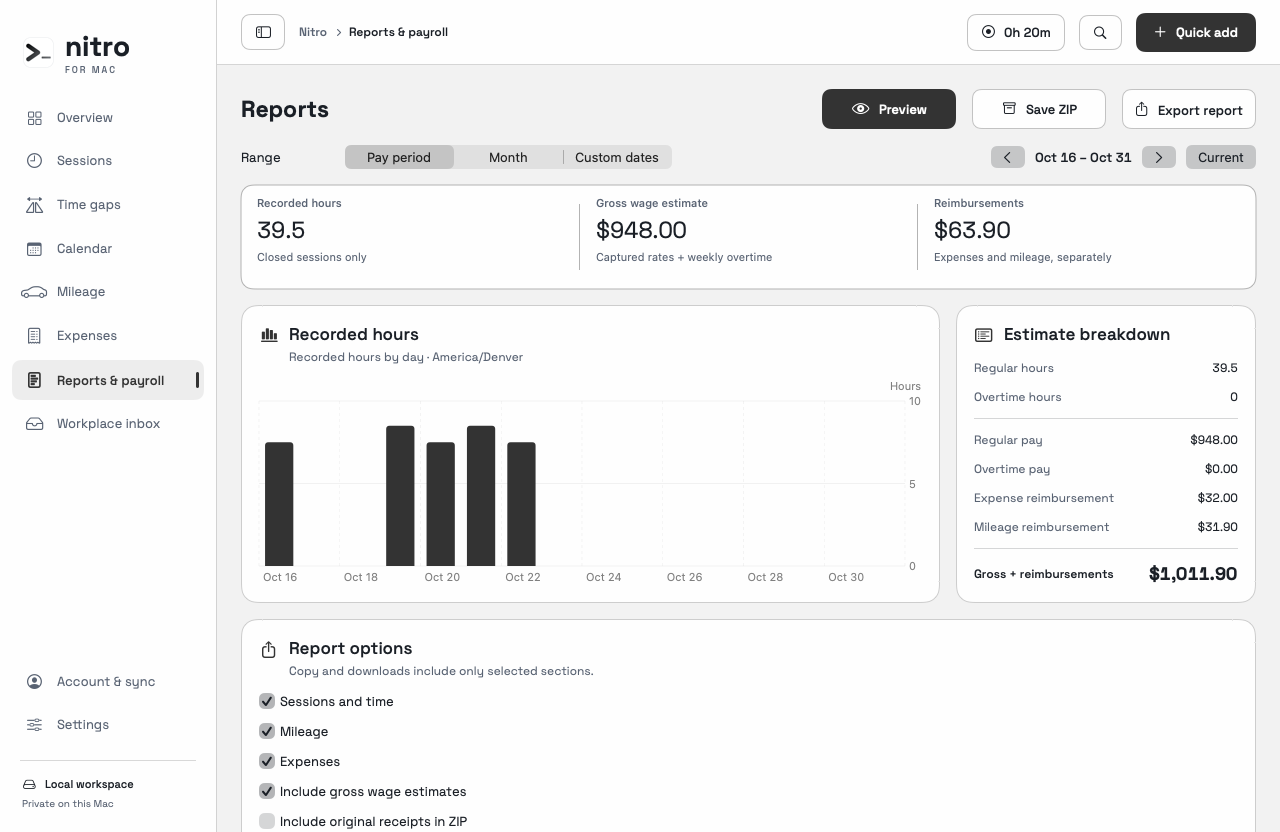
A few useful answers
Clear from the start.
Do I need an account?
Not for core local tracking in the native apps. Eligible cloud access connects your records; workplace accounts also follow your employer’s permissions.
Is sync part of free local tracking?
No. Cloud access is optional, through an eligible paid or credited personal account or a workplace license.
Can I track on this website?
Not yet. This is the public information and support site. It does not open tracking, workplace management, billing or new account enrollment.
Are these real app screenshots?
Yes. They show the actual native interfaces using isolated fictional demo data. Desktop images are app-content renders, without operating-system window chrome. They are not customer records or proof of live sync, payments or release readiness.
Your device. Your Nitro.
Find your fit.
Explore the apps and see current beta or preview access.