Skip to content
nitro

Nitro Workplace

Workplace

Attendance, record reviews, workplace rules and payroll, together in the right context. Your own tracking and your responsibility for a team stay separate.
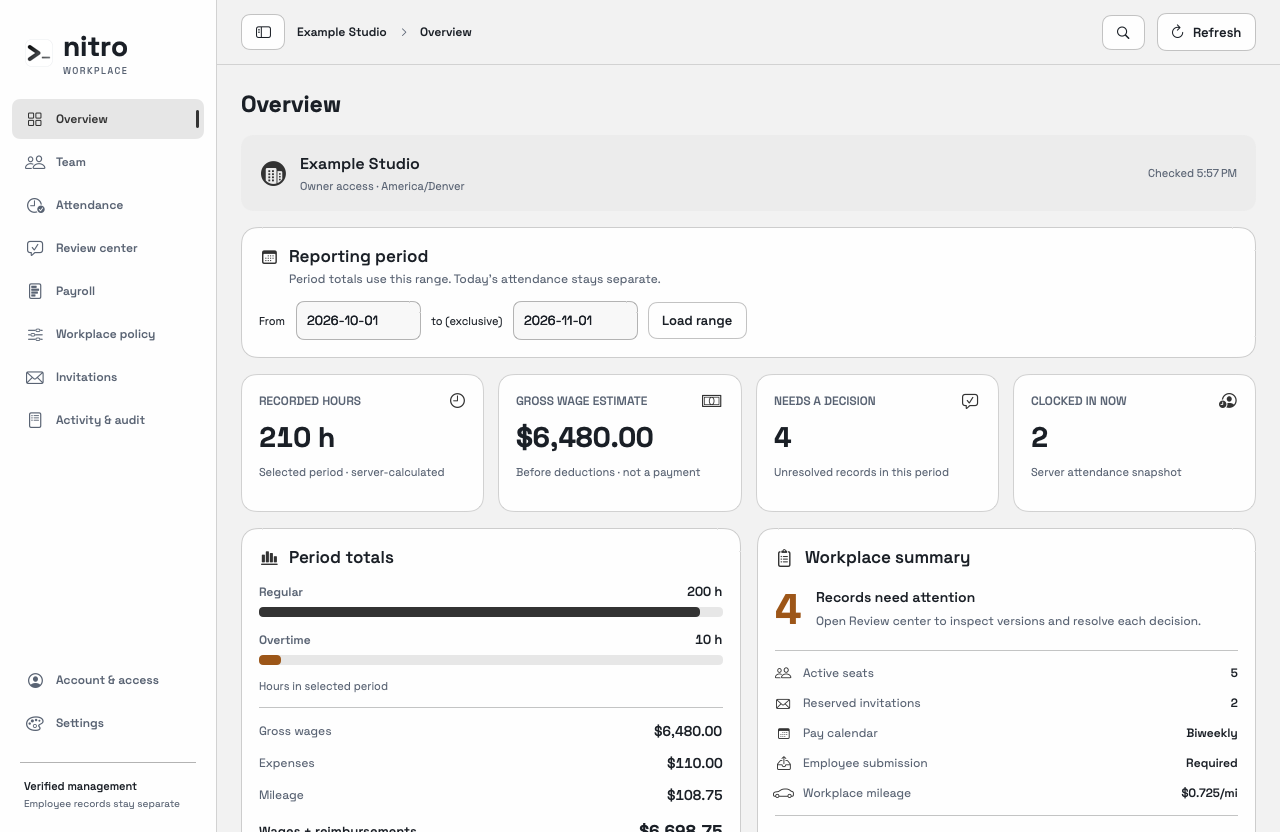
Workplace overview. Actual native Nitro interface with fictional demo records.
The separate Nitro Workplace app for Mac, using fictional team records.

Team and attendance

See the people in your workplace and the access, rates and records that belong to each account.
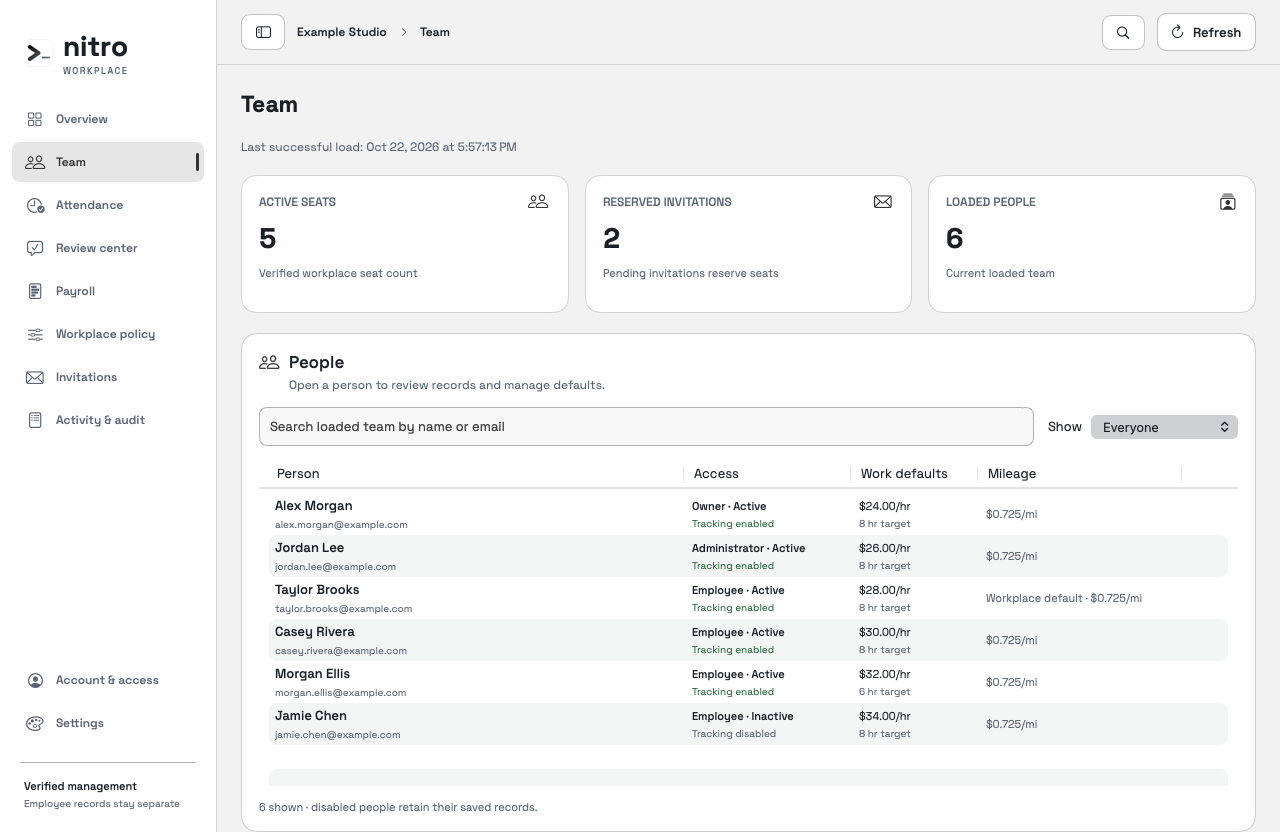
  • Review active and inactive team members without silently erasing their history.
  • Keep administrator roles distinct from employee tracking permissions.
  • Use attendance as a snapshot—not a substitute for payroll approval.
Team and attendance. Actual native Nitro interface with fictional demo records.
The native Mac team page. · demo data

Record reviews

Look at the record before making a decision. Keep the correction and its reason in context.
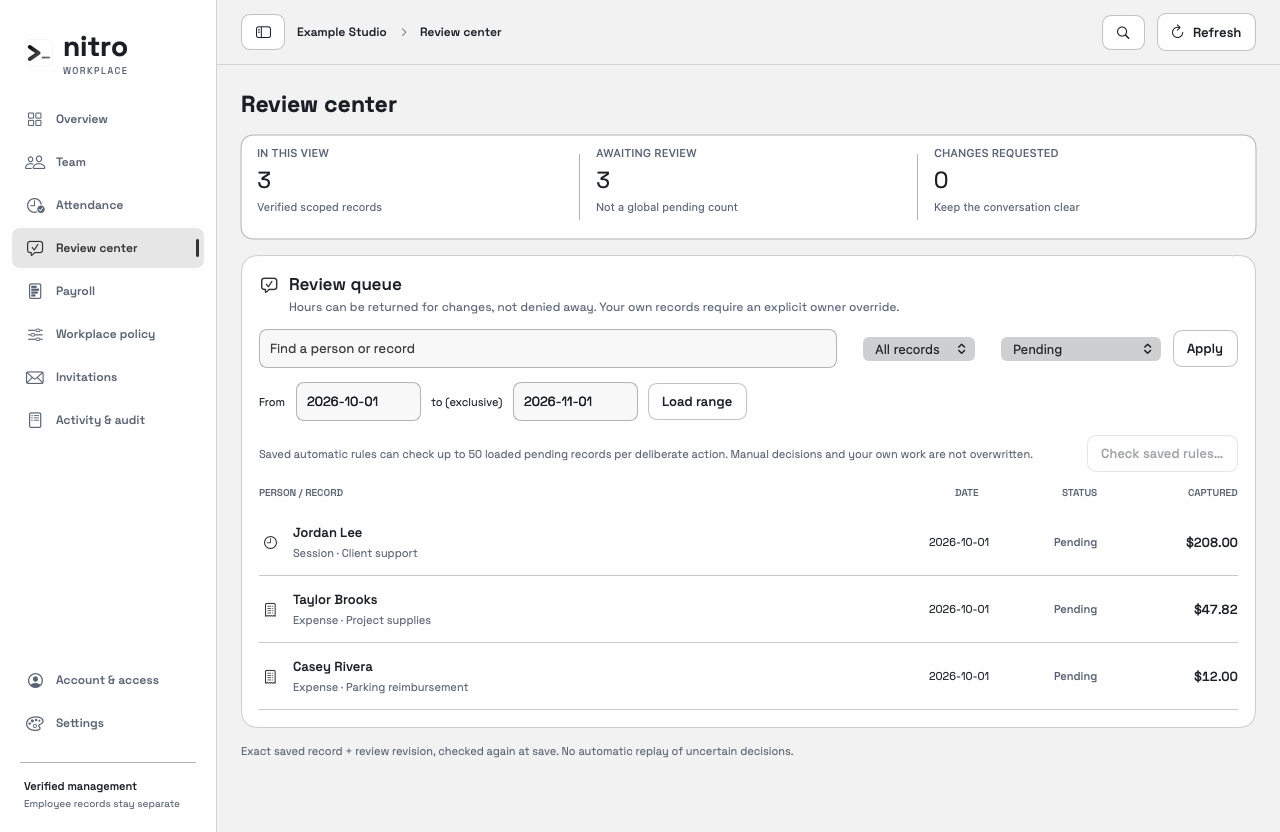
  • Review submitted sessions, mileage and expenses.
  • Keep review decisions attached to the correct person and record.
  • Use workplace permissions and policies when making changes.
Record reviews. Actual native Nitro interface with fictional demo records.
The native review center in Nitro Workplace for Mac. · demo data

Payroll

Work from a defined reporting period and the recorded details behind its totals.
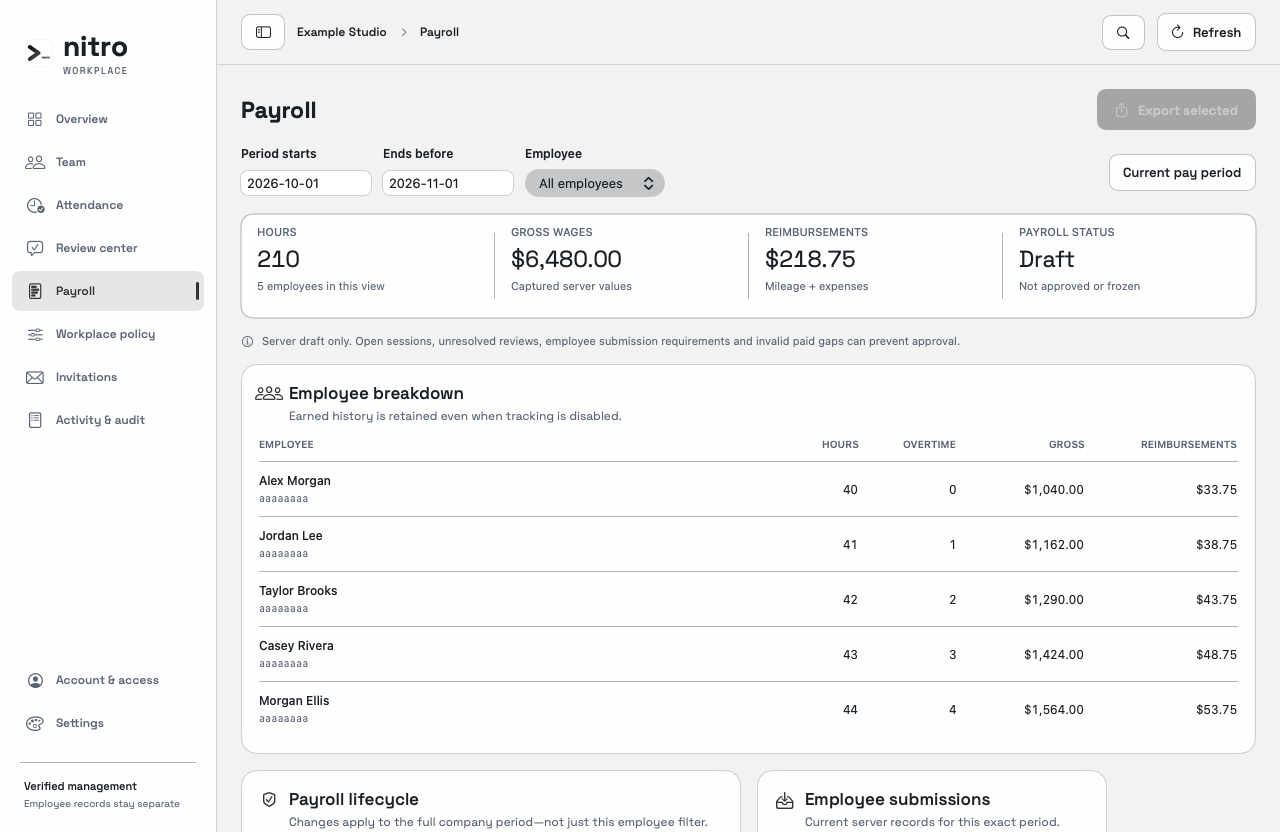
  • Review recorded hours, captured rates and reimbursements.
  • Keep payroll review and approval distinct from employee time tracking.
  • An estimate or approved record is not a bank transfer. Nitro does not send employee wages.
Payroll. Actual native Nitro interface with fictional demo records.
A fictional payroll period in the native Mac app.

Workplace on your devices

The product stays consistent. The way you open it follows the platform.

iPhone, iPad and Android

Authorized workplace views are integrated into the mobile Nitro apps. There is no separate Workplace mobile download.

Joining a waitlist does not create a workplace, activate a license or grant an administrator role. Existing access remains subject to server-verified membership, permissions and licensing.

Access and pricing

Workplace access is separate from a personal cloud plan. See the proposed pricing and current beta availability before requesting access.

NITRO BETA WAITLIST

Join the beta waitlist?

Enter the email you’d like to join with, then confirm your reservation request. We’ll contact you about access when the beta is ready.

Your email is used for beta-access correspondence. Joining does not create an account or guarantee an invitation. Privacy Policy.

How your reservation is handled

Confirming saves your email, chosen beta, reservation number and original signup time privately in Supabase. We send a notification to support@nitrotrack.app and a confirmation with your number to your email, both from no-reply@nitrotrack.app. Repeat requests keep your original place. No account or guaranteed invitation is created.

You can remove yourself from the waitlist anytime by sending another email to support@nitrotrack.app.

You can request removal anytime.