Skip to content
nitro

macOS

Nitro for Mac

Your time, mileage and expenses in a native Mac workspace. A clear overview, detailed records and reporting that fits the way you work at a desk.
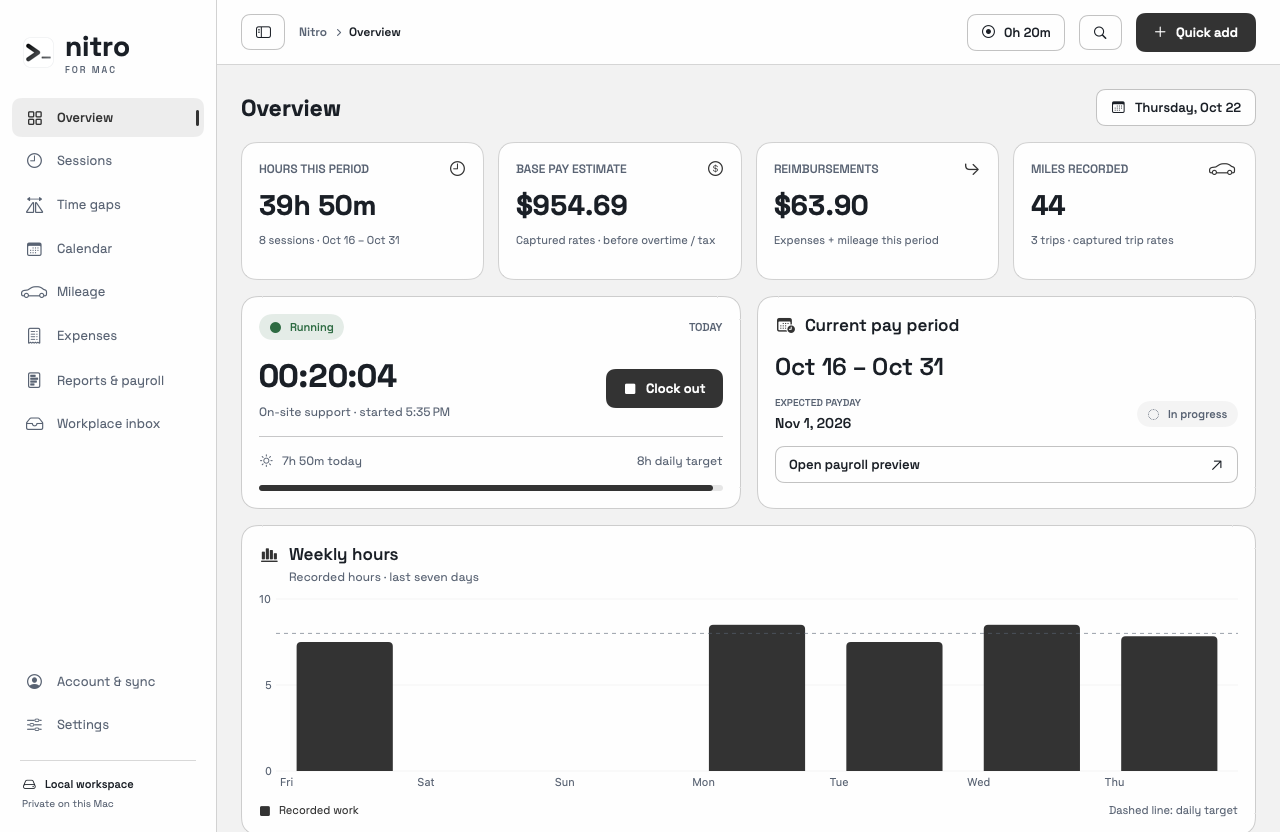
The Mac overview. Actual native Nitro interface with fictional demo records.
Native Mac content, shown without OS window chrome. All records shown are fictional demonstration records.

Sessions and records

A full-width record list, native editors and room to see the details of your day.
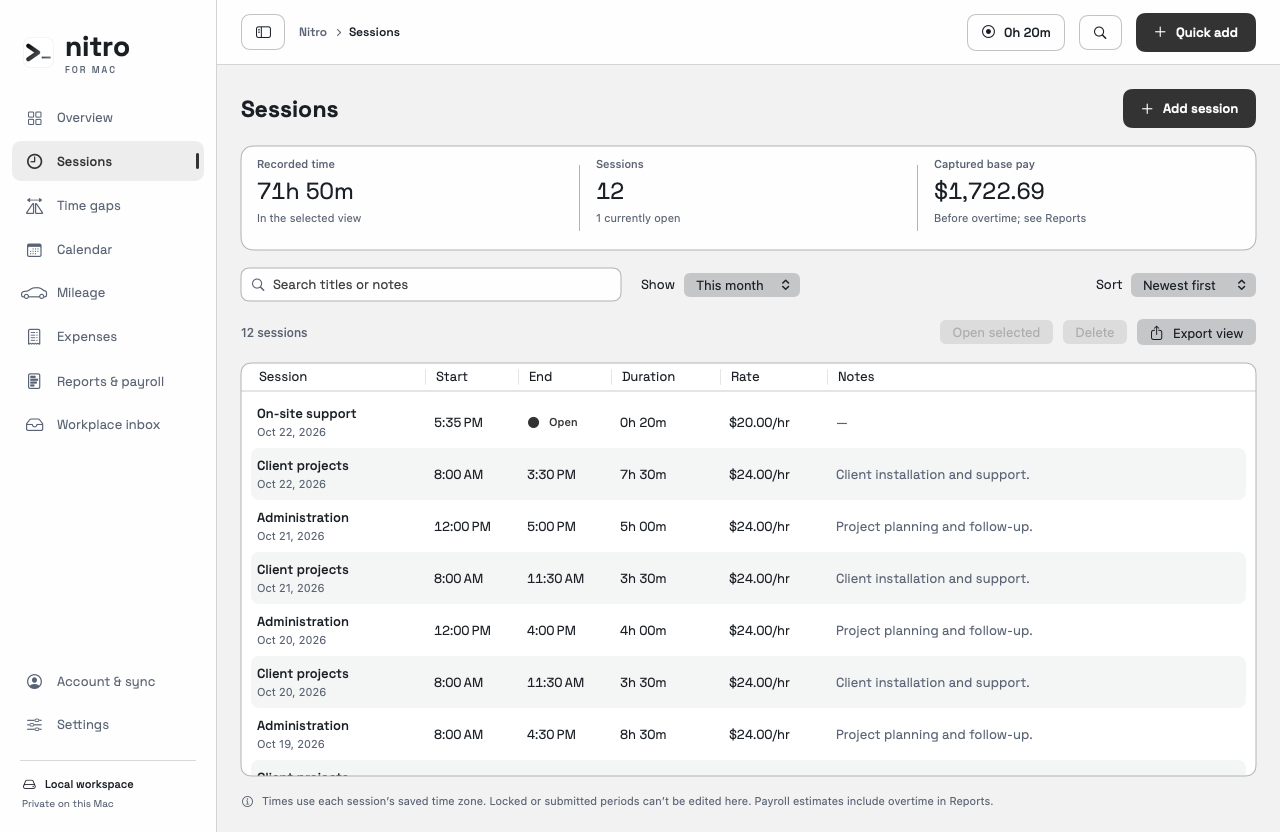
  • Review sessions, captured rates and notes in a desktop table.
  • Use the collapsible icon sidebar without losing navigation.
  • Keep a quick clock in the Mac menu bar.
Sessions and records. Actual native Nitro interface with fictional demo records.
The Mac session list in its native monochrome theme. · demo data

Reports

A clear pay-period view, with a readable preview before you copy, share or export.
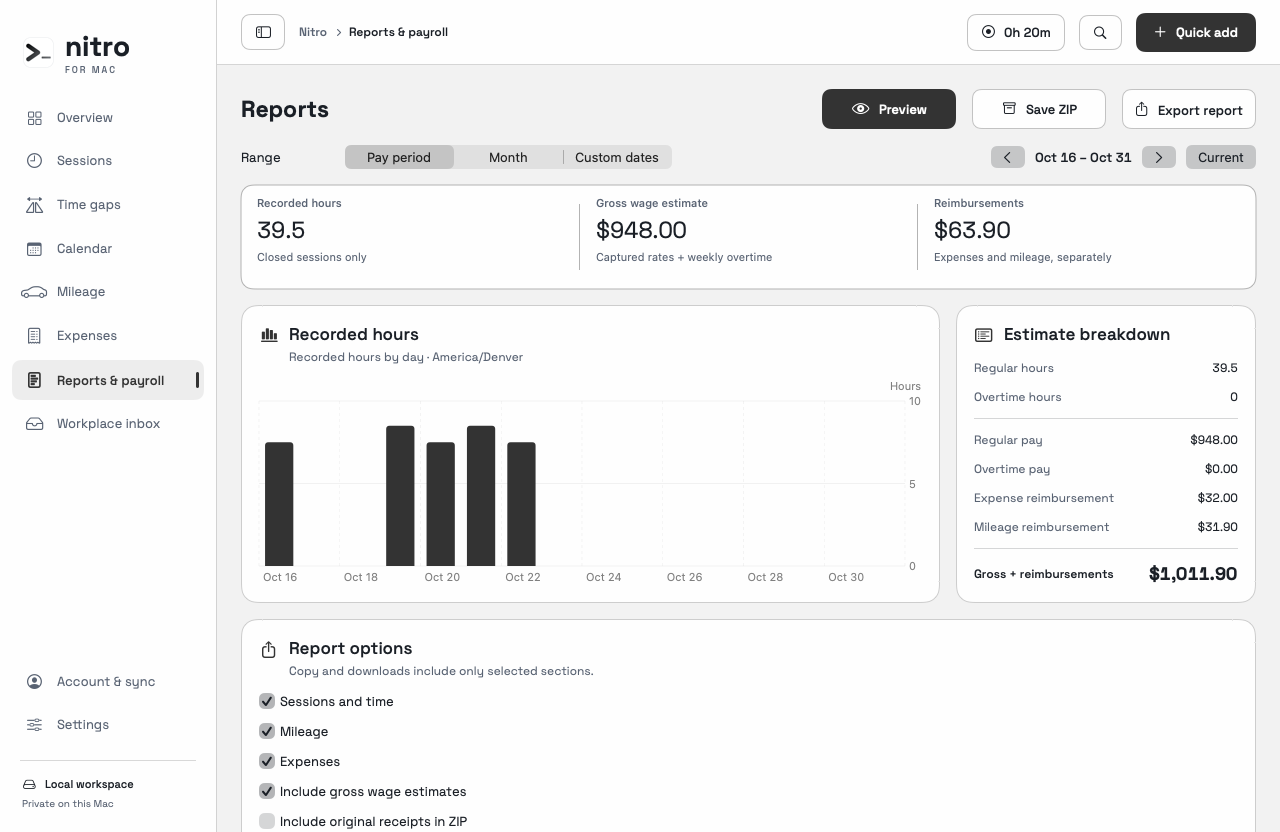
  • Review hours, mileage and expenses for the selected period.
  • Preview the copyable report instead of downloading a file just to read it.
  • Personal reports are separate from workplace payroll; workplace sharing respects administrator permissions.
Reports. Actual native Nitro interface with fictional demo records.
Recorded-hour and reimbursement estimates in Nitro for Mac—not a wage payment. · demo data

Nitro Workplace for Mac

Team management has its own app, so your own clock and your workplace responsibilities stay distinct.
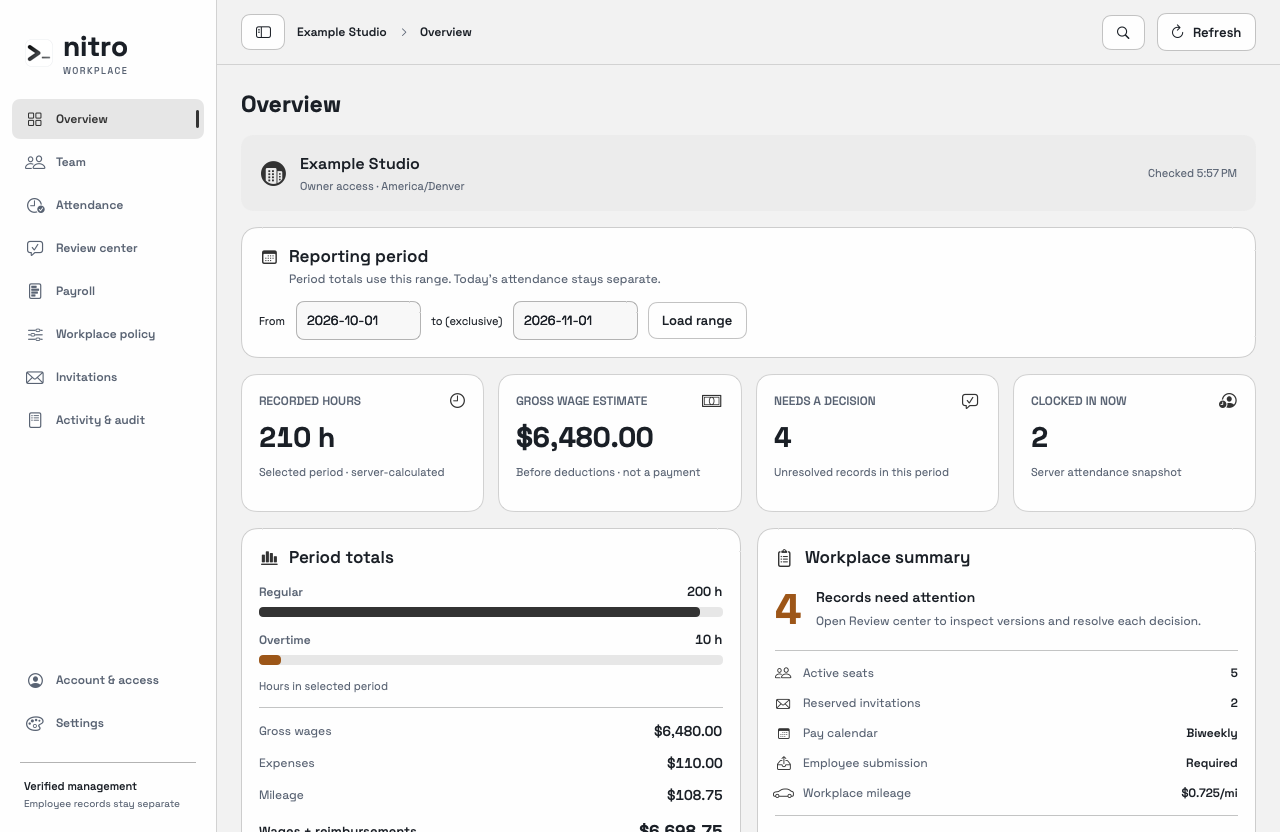
  • Use the separate Nitro Workplace app for team attendance, reviews and payroll.
  • Keep employee records and policies in their workplace context.
  • Open personal tracking in Nitro without mixing the two workspaces.
Nitro Workplace for Mac. Actual native Nitro interface with fictional demo records.
Nitro Workplace is a separate native Mac app. · demo data

Made for Mac

The same working records, with an interface suited to the device.

Menu-bar clock

Check your clock without keeping the main window in view.

Desktop navigation

A collapsible icon rail, record tables, context menus and keyboard shortcuts.

Two Mac apps

Nitro handles your records; Nitro Workplace handles authorized team management.

Beta access

External testing is coming soon for Nitro and Nitro Workplace. Join the waitlist for the Mac app you want to try.

All platforms

Nitro and Nitro Workplace are separate Mac apps with separate waitlists. No public Mac installer is available. TestFlight invitations will be sent when external testing opens.

NITRO BETA WAITLIST

Join the beta waitlist?

Enter the email you’d like to join with, then confirm your reservation request. We’ll contact you about access when the beta is ready.

Your email is used for beta-access correspondence. Joining does not create an account or guarantee an invitation. Privacy Policy.

How your reservation is handled

Confirming saves your email, chosen beta, reservation number and original signup time privately in Supabase. We send a notification to support@nitrotrack.app and a confirmation with your number to your email, both from no-reply@nitrotrack.app. Repeat requests keep your original place. No account or guaranteed invitation is created.

You can remove yourself from the waitlist anytime by sending another email to support@nitrotrack.app.

You can request removal anytime.